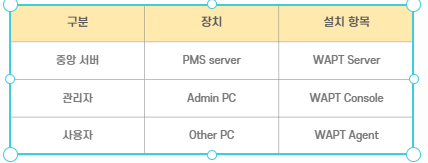
▼목적 : 보안 관리의 자동화와 중앙 통제
▼기대효과 :
보안 취약점의 신속한 패치를 통한 침해 사고 예방 및 관리 효율성 증대
MGT 대역 내 독립적인 인스턴스로 운영하여 관리망의 보안성 유지
#소프트웨어 레파지토리 등록
echo "deb [signed-by=/usr/share/keyrings/tiswapt-pub.gpg] [https://wapt.tranquil.it/ubuntu/wapt-2.5](https://wapt.tranquil.it/ubuntu/wapt-2.5) jammy main" | sudo tee /etc/apt/sources.list.d/wapt.list
#핵심 엔진 및 서버 설치
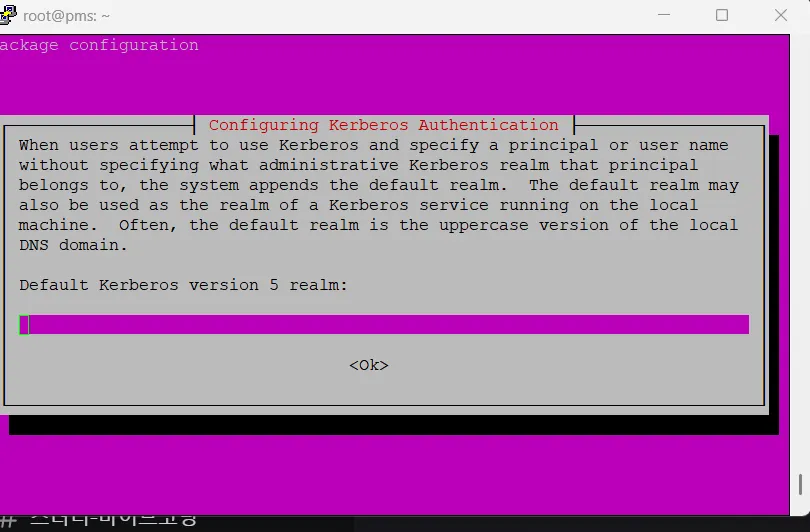
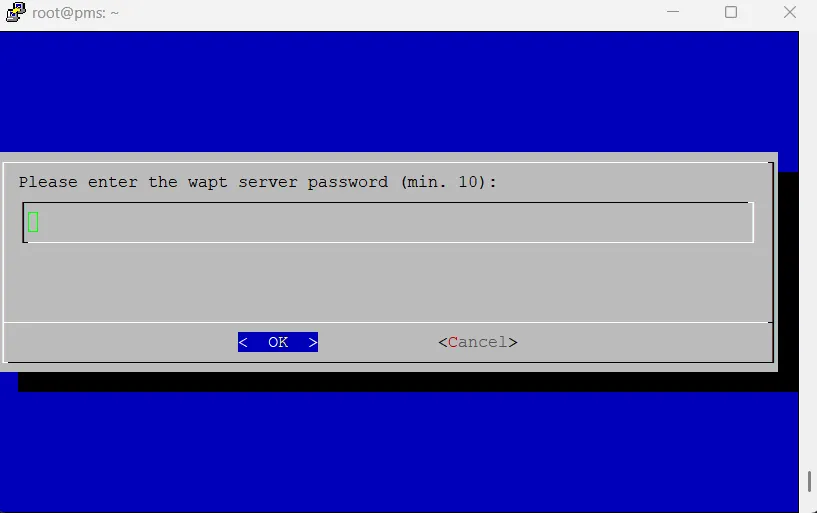
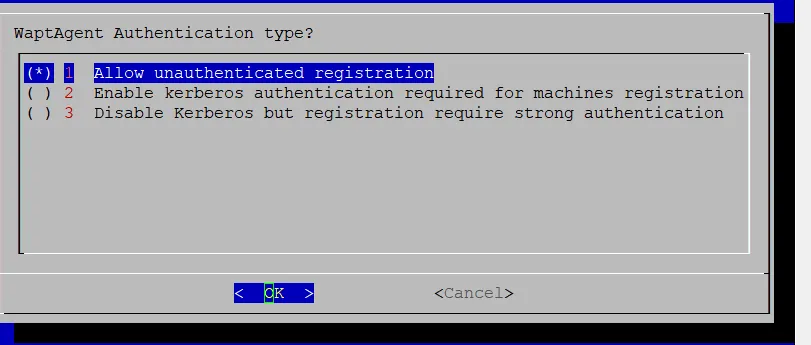
sudo apt install tis-waptserver tis-waptsetup -y


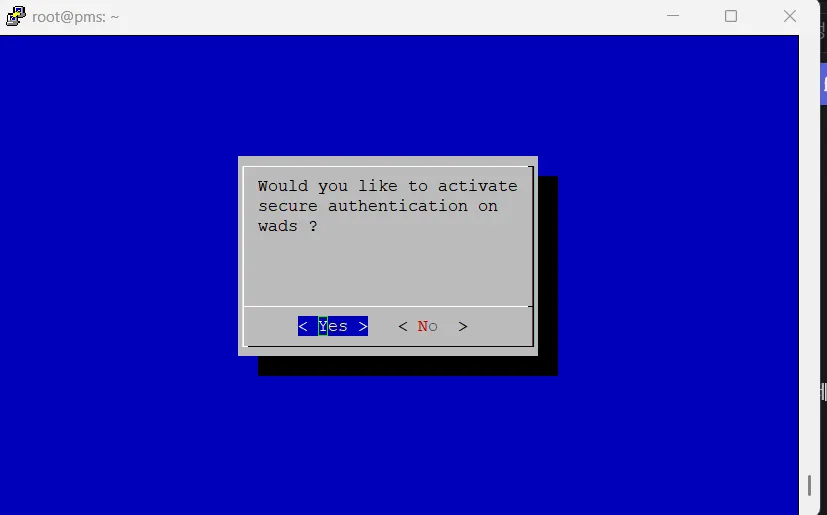
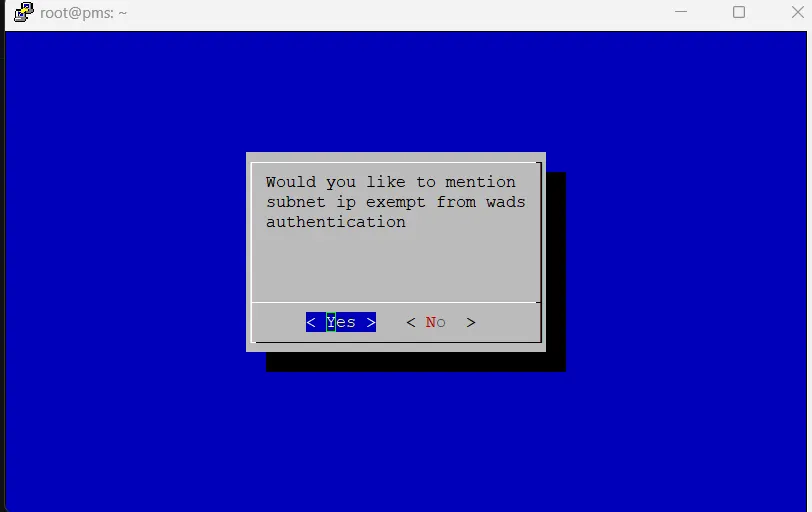
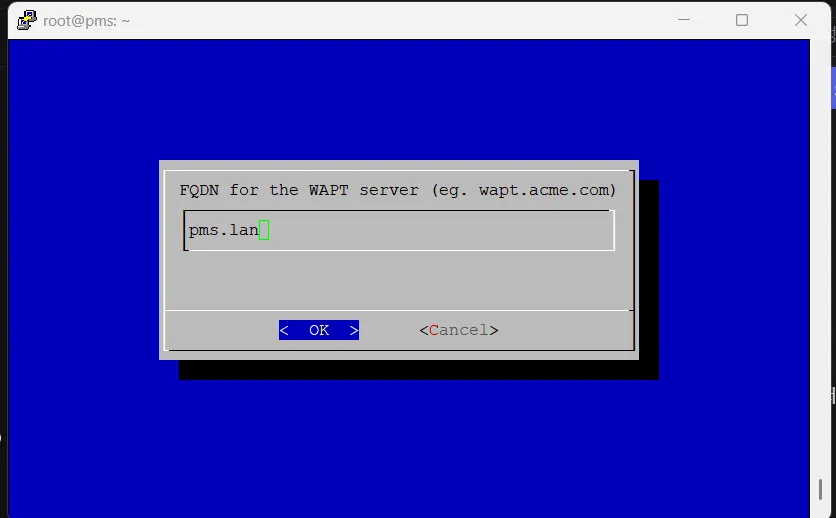

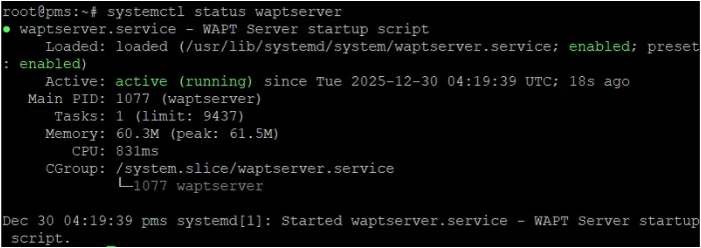


#nginx 설치 및 8089포트 연결
sudo apt update && sudo apt install nginx -y
#파일 수정 경로
/etc/nginx/sites-enabled/default
server {
listen 8089;
location / {
proxy_pass [http://127.0.0.1:8088](http://127.0.0.1:8088/);
proxy_http_version 1.1;
proxy_set_header Upgrade $http_upgrade;
proxy_set_header Connection "Upgrade";
}
}
sudo systemctl restart nginx


#8089포트로 pms서버와 통신 연결
nano waptconsole.ini
websockets_port=8089
#관리자 PC 인증서 생성
wapt-get make-host-certificate
관리자 PC에 admin.crt와 admin.pem 파일이 생성
#관리자 전용 인증서 전송(admin PC -> pms server)
/opt/wapt/waptserver/ssl/
admin.crt 생성

#타 서버 pc 등록
waptagent 설치 및 포트 통신 추가
/opt/wapt/wapt-get.ini
[global]
wapt_server=[https://[서버 IP]](https://서버 IP/)
websockets_port=8089
use_ssl=1
verify_cert=0
etc/wapt/wapt-get.conf
[global]
wapt_server=[https://서버 IP/](https://서버 IP/)
websockets_port=8089


'프로젝트 구축 Infrastructure' 카테고리의 다른 글
| 리눅스 취약점 점검 (0) | 2026.02.24 |
|---|---|
| 보안 시스템 고도화 (Web Squid -> 개발 pc gitlab을 통한 blacklist domain 관리) (0) | 2026.01.12 |
| NDLP -> ICAP 서버 구축 및 연동 (0) | 2026.01.11 |
| Opensense web squid - https (0) | 2026.01.11 |
| Opensense web squid - http (0) | 2026.01.11 |

